| Level Navigation: 1 | 2 | 3 | 4 | 5 | 6 | 7 | 8 | 9 | 10 | 11 | 12 | 13 | 14 | 15 | 16 | 17 | 18⚡ | 19 |
User Story: As a developer, I want to add visual assets so that my game looks appealing.
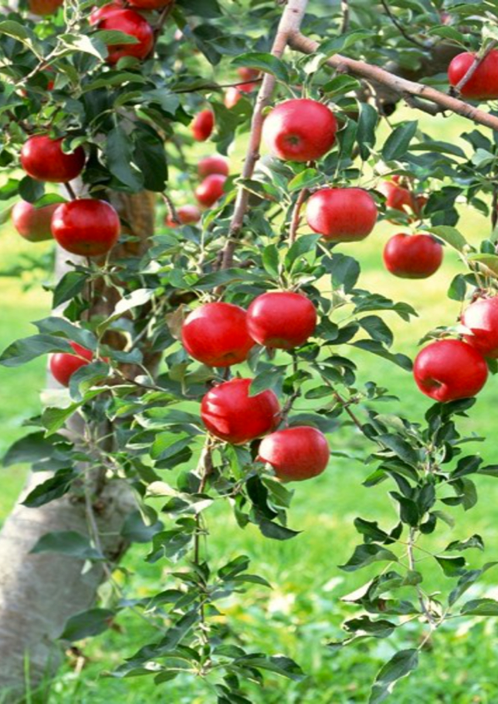
Add image files for the apple target and orchard background to your project.
apple.png)orchard.png)public/ foldervite.svg from public/react.svg from src/assets/Need help with images? Check out these tips:
Where to find images:
File structure:
public/
  ├── apple.png      (Your apple target image)
  └── orchard.png    (Your background image)
Why the public folder?
Files in public/ can be referenced directly in CSS using /filename.png without imports.
public/ folder in your file explorerapple.png and orchard.pnghttp://localhost:5173/apple.png